
Install the app
How to install the app on iOS
Follow along with the video below to see how to install our site as a web app on your home screen.
Note: This feature may not be available in some browsers.
-
New Website for downloads
We established this website with the intention of fostering a community in which individuals could join and share their insights and resources. However, we have observed that the majority of users primarily utilize the platform to download desired files, subsequently returning only for future updates. In response to this trend, we have decided to develop An application that will run on Windows, Linux, and Mac And we will be combining Sngine.community and codanya.com Into this application, creating one large download app That will have a wide selection of downloads available for our users.
We currently have a Windows Alpha version available that we are testing. And hoping to have that released very soon!
If you have any suggestions on what type of files and products that we should list for download, feel free to message or post, and we will see about adding that to it.
You are using an out of date browser. It may not display this or other websites correctly.
You should upgrade or use an alternative browser.
You should upgrade or use an alternative browser.
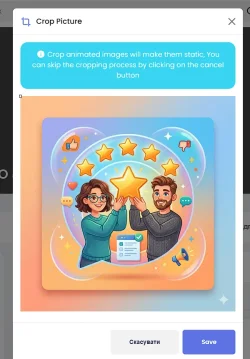
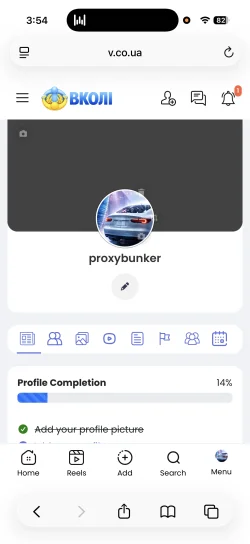
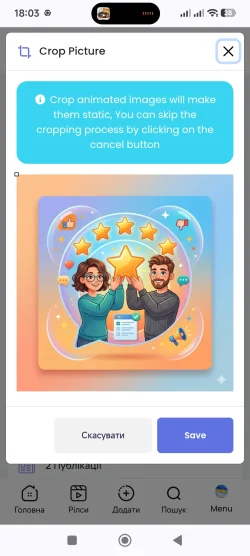
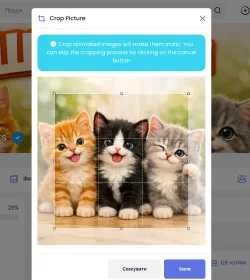
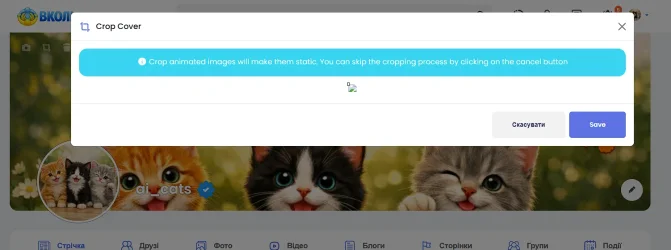
Closed Cropping photos for avatars and covers has stopped working.
- Thread starter Yurensiy
- Start date
- Status
- Not open for further replies.

Points
43
Solutions
0
i will look into it later when back at the desktop
Points
43
Solutions
0
I don't know why photo cropping for avatars and covers stopped working. Maybe it's because of some edits I made earlier?
View attachment 331
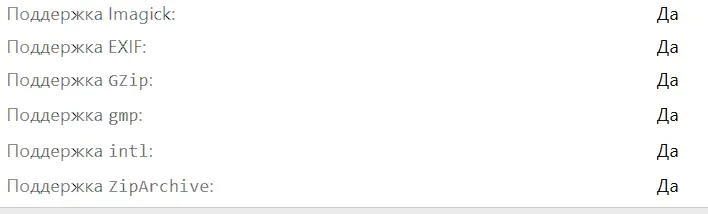
One thing that you can check is to make sure the extension image GD is installed and activated on your server. If that is not enabled, then cropping will not work.
Points
43
Solutions
0
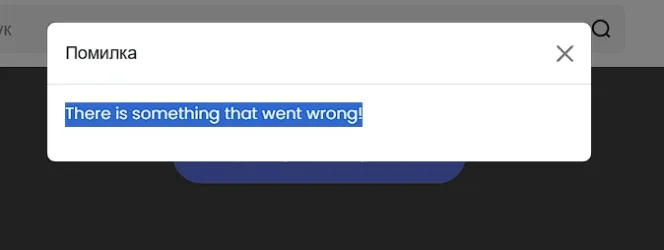
that’s a difrent error i test the upload about 20 mins ago and it was uploading just not letting you crop the images
Points
43
Solutions
0
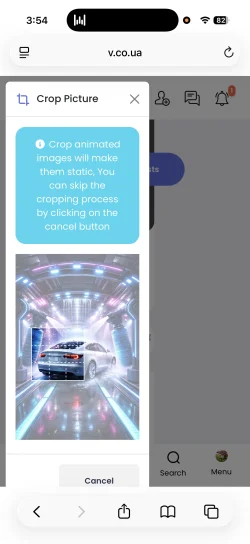
also the crop looks to be working
Points
43
Solutions
0
Okay. Do a hard refresh on your browser to clear any cache, in case it's just cached files on your browser.Everything still doesn't work for me...
Also test on a mobile device if possible, as that's why I tested it on
Points
43
Solutions
0
I will look into it tonight when I'm back home, when I'm on the desktop.I cleared the cache and checked it on both my mobile and PC. The result is the same. I can't figure out why this is happening at all
Points
43
Solutions
0
Points
43
Solutions
0
I cleared the cache and checked it on both my mobile and PC. The result is the same. I can't figure out why this is happening at all
Hidden text for users: Yurensiy

Points
8
Solutions
0
Points
43
Solutions
0
Hello @Yurensiy,
After careful consideration, we have decided to close this support ticket thread as we have not received any communication from you in the last five days. If you have any further inquiries or require assistance, please feel free to get in touch with us or open a new support ticket. We are committed to providing you with the help you need. Thank you for your understanding!
After careful consideration, we have decided to close this support ticket thread as we have not received any communication from you in the last five days. If you have any further inquiries or require assistance, please feel free to get in touch with us or open a new support ticket. We are committed to providing you with the help you need. Thank you for your understanding!
- Status
- Not open for further replies.
Donate: Campaign
0%
- Total amount
- $0.00
- Goal
- $60.00